Security cameras under $50: what to check before you buy
Updated 10 September 2026 · 6 min read
Start with the place you need to see and how you will power the camera. Then check recording, app access and storage costs. A low purchase price means little if the camera misses the event or you cannot retrieve the clip.
Choose a camera for the location
A room, an exposed doorway and a gate without power have different needs. Use this comparison to narrow your choice before comparing products.
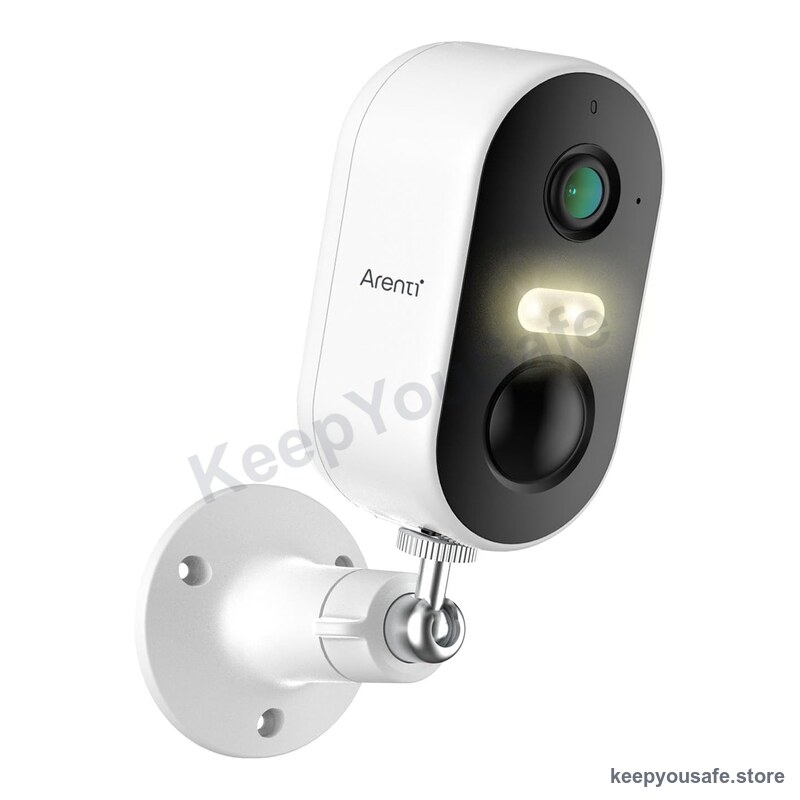
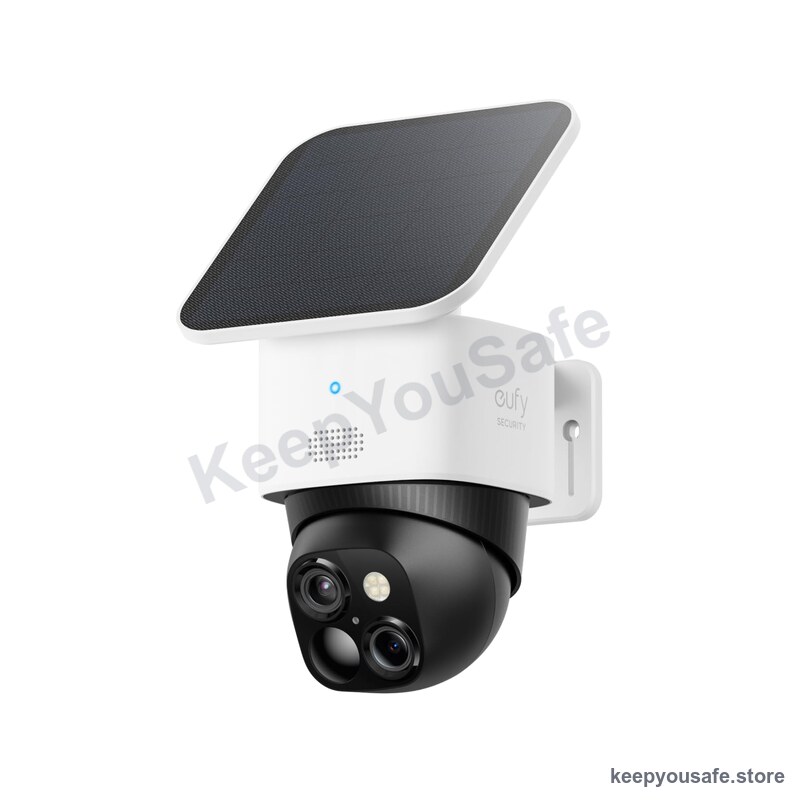
Confirm the exact model and manual before ordering. A product photograph alone does not establish the model, app or supported features.
| Type | Suitable for | Check first |
|---|---|---|
| Indoor plug-in | A room with a nearby power point. | Cable reach, mounting, recording mode and app access. |
| Outdoor powered | An entrance with a suitable power supply. | Weather rating for the camera, connectors and power supply. |
| Battery or solar | A location where running power is difficult. | Wake delay, clip length, recharge access and WiFi coverage. |
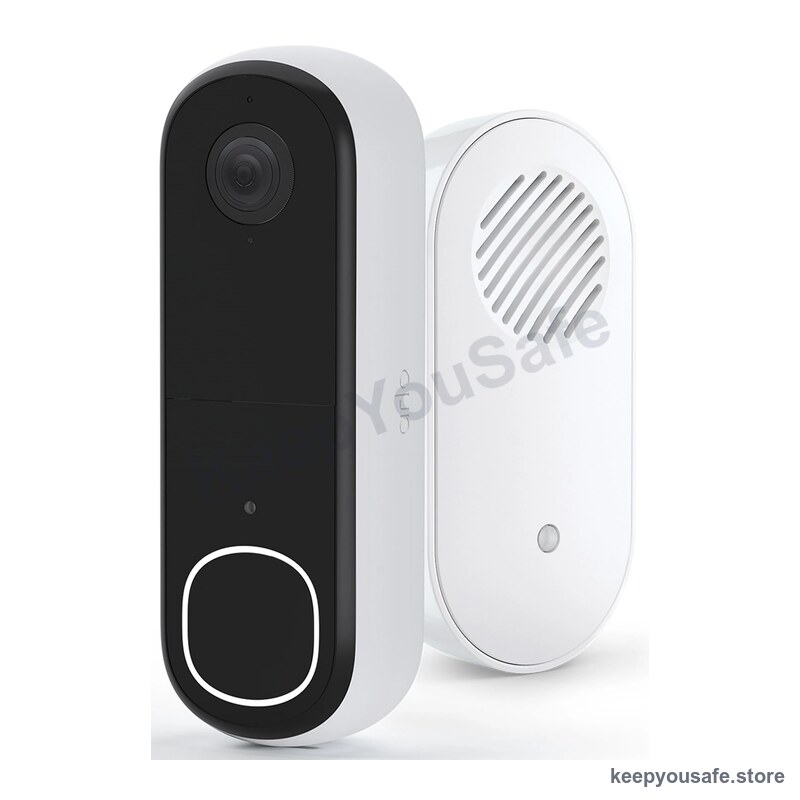
| Video doorbell | Seeing visitors at the entrance. | Mounting permission, power, chime and recording costs. |
Indoor cameras: check the view and the power cable
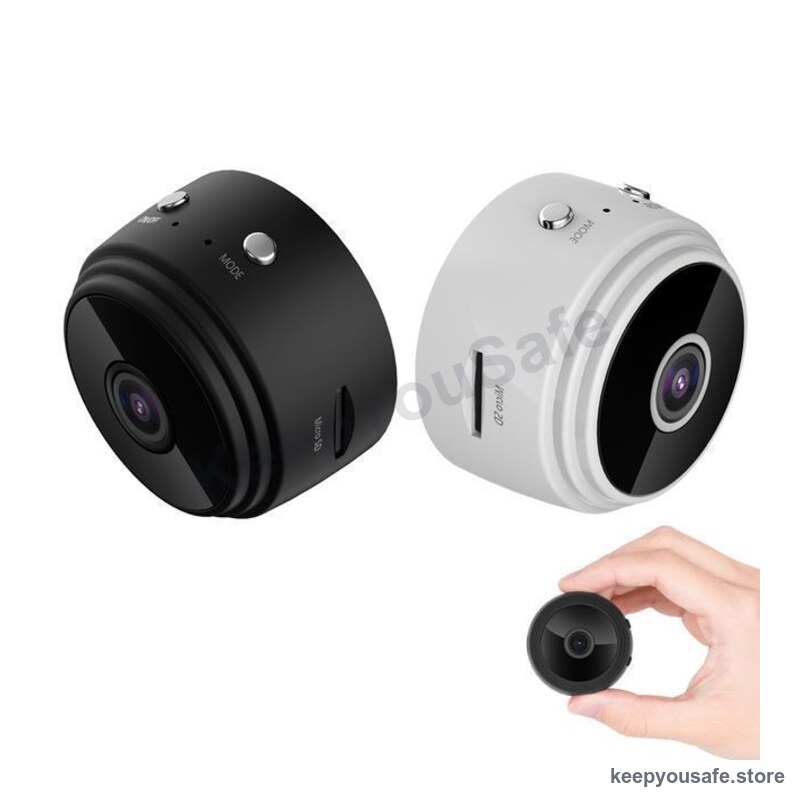
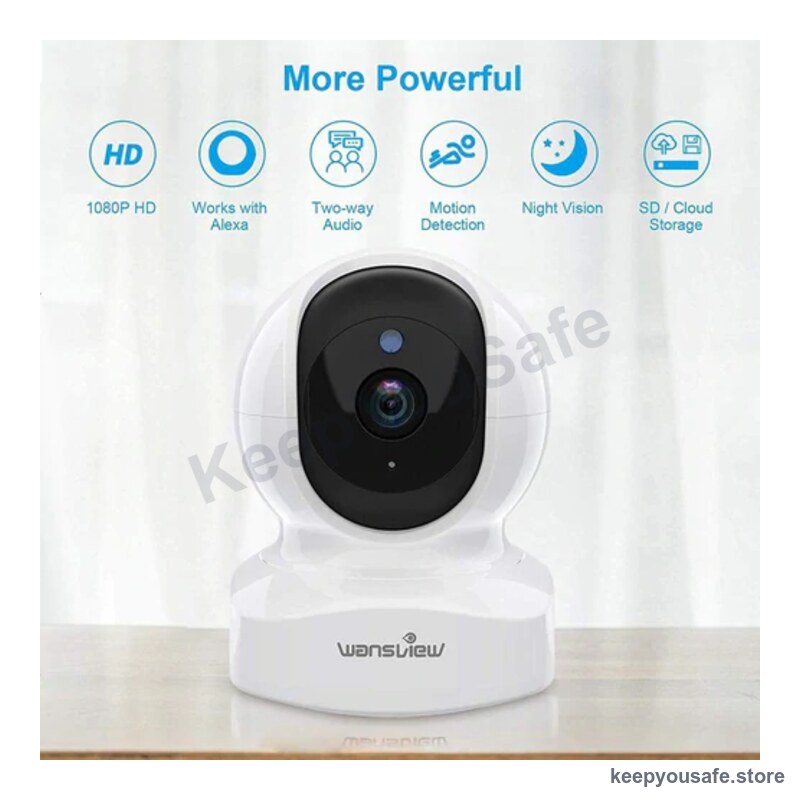
Choose the position before the camera. Check that the cable reaches safely and the camera can see the intended area.
A pan-tilt camera changes its viewing direction. Ask whether it records only the current view and whether automatic tracking is included.
For a rental, check the mounting method with your property manager. Do not assume adhesive mounts will leave paint intact.
Outdoor cameras: ask for evidence of detail
Ask for original daytime and night clips from the exact model. Look at movement and detail at your intended distance.
A resolution label alone cannot prove that faces or numberplates will be readable. Do not buy on a promise of guaranteed identification.
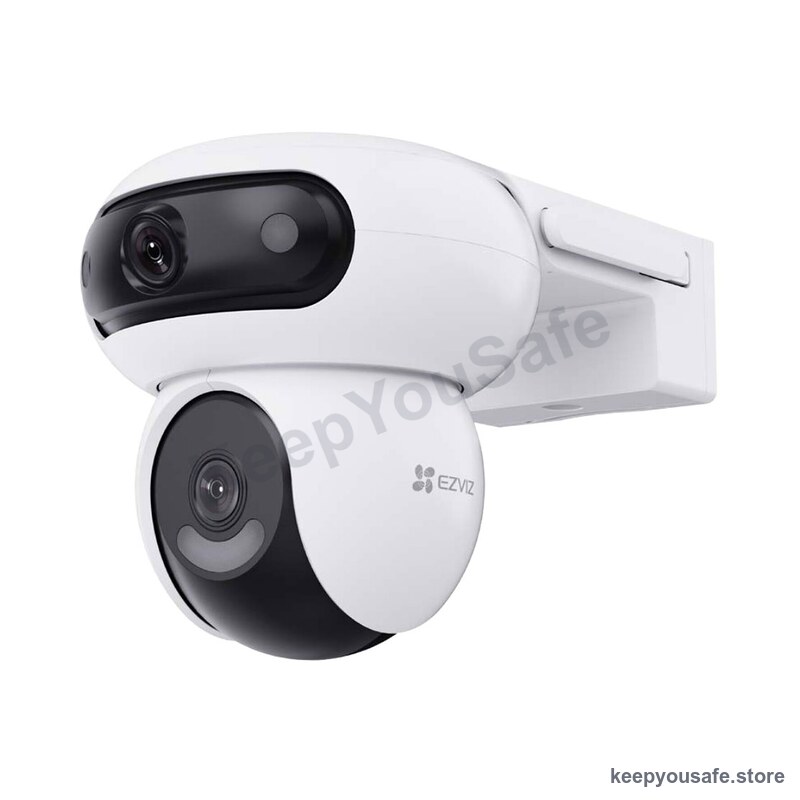
Check the weather rating and installation instructions for every exposed part. Use a licensed electrician if the installation requires electrical work.
Battery and solar: confirm what gets recorded
Ask whether the camera records continuously, captures periodic images or wakes for motion. These modes can produce different records of an event.
Check wake delay, clip length and any gap between clips. Ask how the settings affect charging frequency.
A solar panel supplies power. It does not establish internet access. Check the required network and signal at the proposed location.
No subscription: check the whole recording path
Ask which features work without a paid plan. Confirm local recording, playback, downloads, notifications and any required hub separately.
TP-Link documents different behaviour for local storage and remote access on its cameras. Read the manual for the exact model you plan to buy.
Check the supported card type and capacity. Confirm whether the card is included. Do not assume a memory card makes every feature free.
Include the card, mounting parts, power supply and any subscription in your budget. Ask for written confirmation of missing details before paying.
Keep control of the camera account
For routine setup, use a unique password and install security updates. Enable multi-factor authentication if the service offers it.
Check who can view recordings and change settings. Ask the manufacturer how long it will provide security updates.
If someone may be monitoring you, account changes could alert them. Use a safer device to seek specialist support before changing settings.
eSafety explains how to collect evidence safely and get help with suspected access to home surveillance. Buying another camera cannot resolve account access abuse.
Check the footage after setup
Follow the manual to install and update the camera. Check the date, time and recording settings.
Walk through the intended area during daylight and after dark. Play back each clip and check whether it captures what you need.
Save a test clip to another device. Confirm that you can open it outside the camera app.
Check recordings regularly. A live picture does not prove that the camera has saved footage.
Frequently asked
Which security camera under $50 is best?
There is no tested winner here. Choose by location, power and recording needs. Ask for the exact model, manual and sample footage before buying.
Can I use a security camera without a subscription?
Some models support local storage without a paid plan. Confirm which features remain available, including playback, downloads and alerts. A card may cost extra.
Does a WiFi camera work without internet?
Some models can continue local recording. Remote viewing and alerts may stop. Confirm the behaviour in the exact model manual.
Will a cheap camera read numberplates at night?
Do not assume it will. Ask for night footage at a comparable distance. Resolution alone does not demonstrate readable detail.
Shop the range
Compare products and check the details
Browse the full rangeThis guide is general safety information, not professional advice. For gas, electrical or structural work, use a licensed Australian tradesperson. Safety devices reduce risk but never remove it.