Budget dash cams in Australia: front, cabin or rear?
Updated 10 September 2026 · 5 min read
A budget dash cam may help record what happened on the road. Start with the view you need to capture. Then check sample footage, storage and power. A specification sheet cannot show whether a moving numberplate will be readable.
Front, cabin and rear cameras record different views
Check where each lens points. A front-and-cabin camera records the road ahead and the interior. It is not a dedicated rear-window camera.
Nextbase separates cabin, rear-view and rear-window modules in its range. Use that distinction when reading any listing that says dual camera.
| Type | Suitable for | Check first |
|---|---|---|
| Front only | Recording the road ahead. | It does not provide a separate view behind the car. |
| Front and cabin | Recording the road and interior. | Confirm audio controls and privacy requirements before recording passengers. |
| Front and rear window | Recording the roads ahead and behind. | Confirm the rear camera is included and the cable fits your vehicle. |
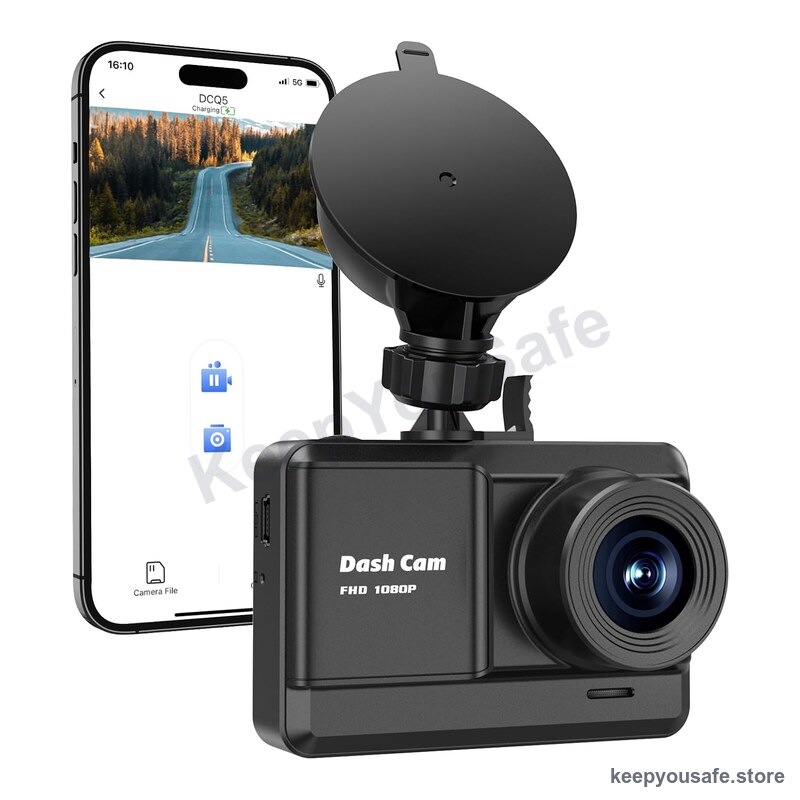
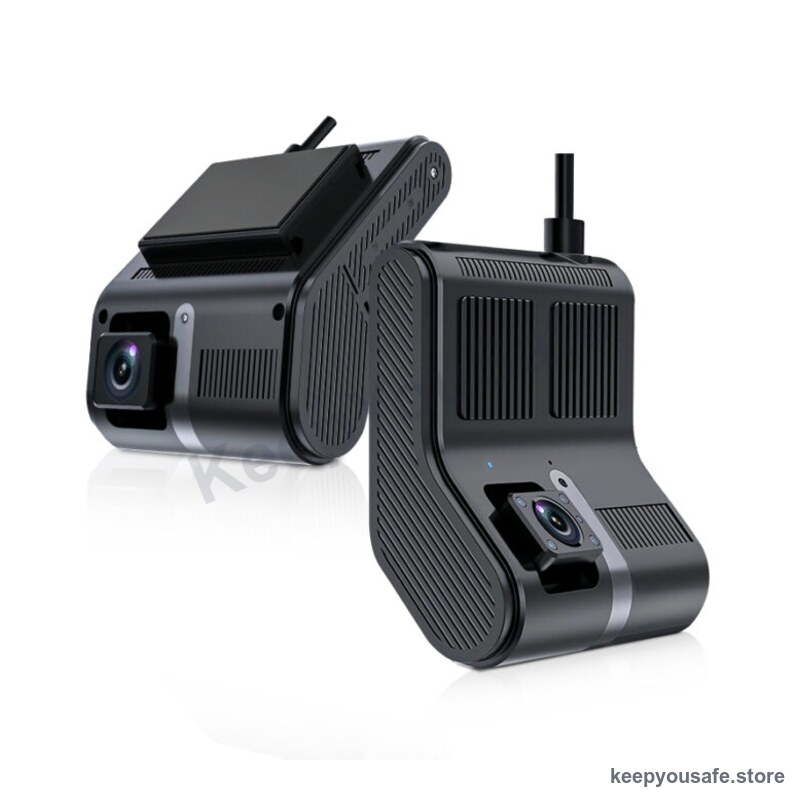
Compare the two listed dash cam types
Our front camera listing specifies 1080p recording, loop recording and a G-sensor. Our dual listing specifies front and cabin lenses.
These are catalogue specifications, not measured results. Request the exact model, manual and original sample clips before you choose.
If your priority is a separate rear-window view, neither listing establishes that feature. Do not buy a cabin camera expecting that coverage.
Check video quality beyond the resolution label
Ask for original footage from daylight and darkness. Check moving vehicles, glare and detail near the edges of the frame.
Compare footage from similar conditions to your commute. A stationary demonstration does not show how the camera handles motion.
Ask for the operating temperature range and power design. We have no independent heat test for these products in Australian parked cars.
Include a compatible memory card in your budget
Confirm whether a card is included. Ask for the supported capacity, speed class and endurance requirements in the camera manual.
Recording time depends on video settings, compression and the number of lenses. Do not assume every 64GB card provides the same recording time.
Loop recording replaces older footage. Save important files promptly. Check how the model protects event files and manages a full card.
Formatting erases the card contents. Back up files you need before formatting a card.
Parking mode needs a confirmed power plan
A G-sensor detects movement or impact. Its presence does not prove that the camera records while the ignition is off.
Nextbase explains that parked recording needs power from a suitable installation or supported battery mode. Requirements differ by model.
Ask what power connection the camera needs and whether it includes battery discharge protection. Include installation parts in your budget.
Neither linked listing confirms a complete parking setup. Ask us before ordering for this purpose.
Set up and check before relying on it
Park safely before touching the camera or its settings. Follow the vehicle and camera manuals for mounting and cable placement.
Keep the view through the windscreen clear. Keep cables away from airbags and vehicle controls.
Check the date, time and recording indicator. Record a short test and open the file on another device.
After a routine drive, check daytime and night footage. Repeat playback checks regularly to find card or recording faults.
Check recording rules for your location and intended use before recording passengers or audio. Ask your insurer how to provide footage for a claim.
Frequently asked
Is a dash cam under $50 worth buying?
Only if it meets your recording needs. Check the exact model, original footage, card requirements and power setup. We have not tested a best-value winner.
Is front and cabin the same as front and rear?
No. A cabin lens points into the vehicle. A dedicated rear-window camera records behind it. Check the lens position and included parts.
Does a G-sensor mean the camera has parking mode?
No. Confirm parked recording and the required power supply separately. An impact sensor alone does not establish either feature.
Will the camera include a memory card?
Check the package contents for the exact model. If a card is separate, confirm its compatibility before buying it.
Shop the range
Compare products and check the details
Browse the full rangeThis guide is general safety information, not professional advice. For gas, electrical or structural work, use a licensed Australian tradesperson. Safety devices reduce risk but never remove it.